
Last updated November 15, 2026
 Wrought iron
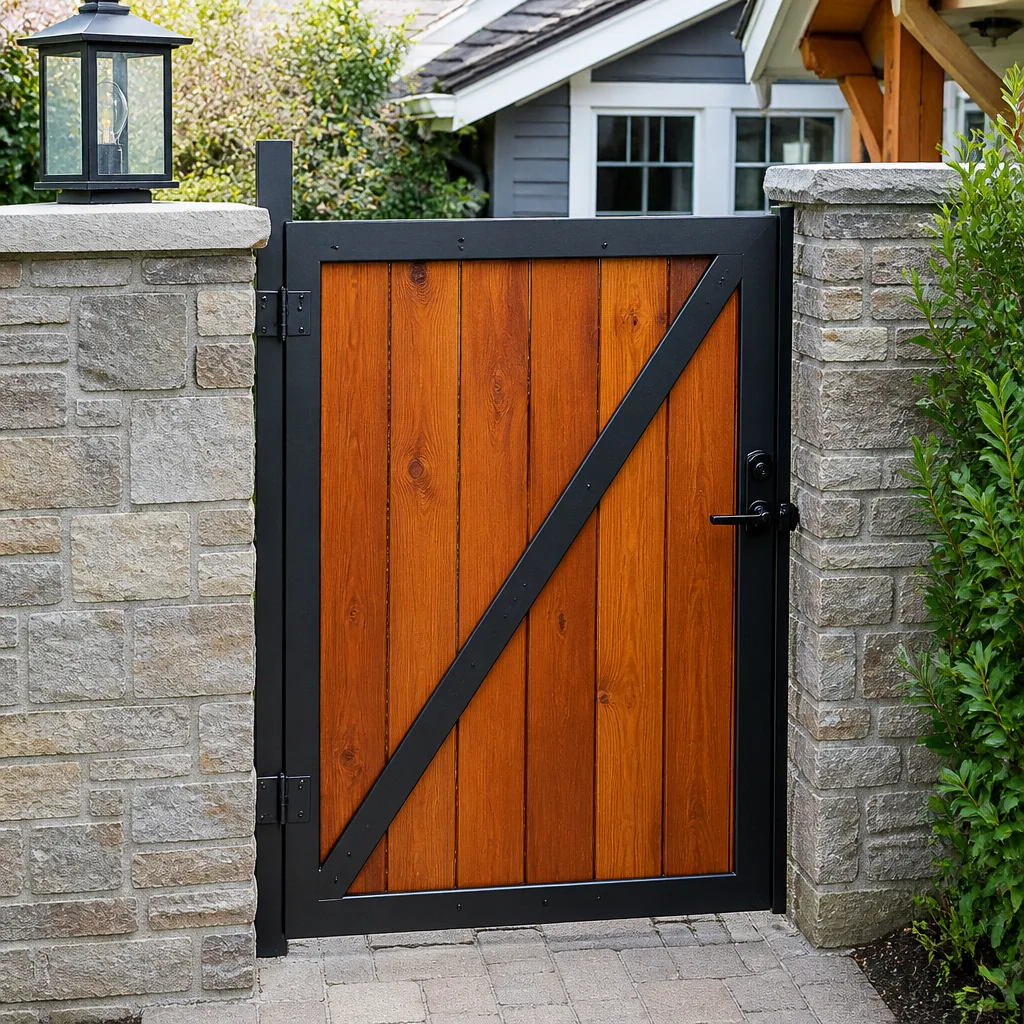 Wood & steel frame
 Farm & ranch
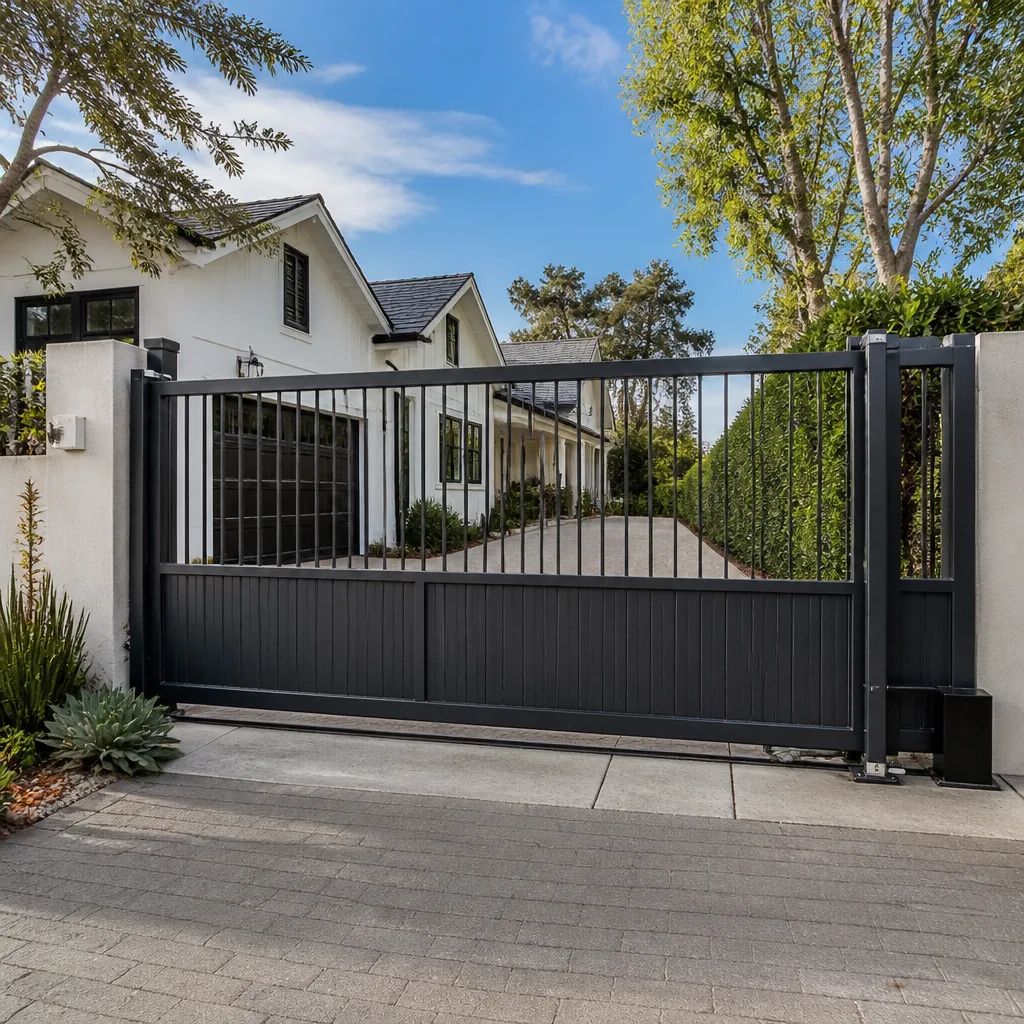 Sliding driveway gates
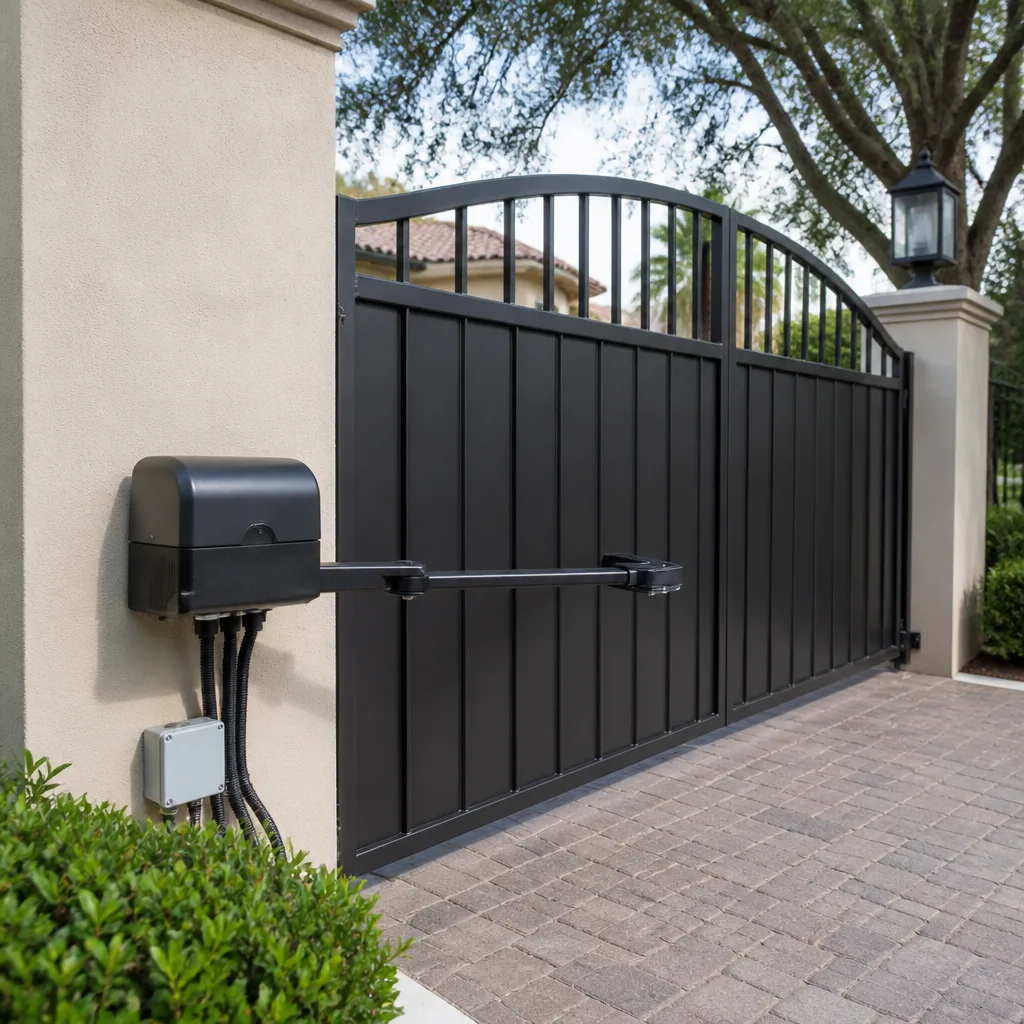 LiftMaster operators
Free on-site gate assessment - hinges, posts, and your LiftMaster or Nice gate operator checked before anything is quoted
The assessment is free and the quote is the invoice.
Get your free estimateGate Repair Emergency Preparedness Guide for Newport News Homes
Most gate emergencies aren’t really gate failures. They’re information failures. A storm knocks out power across your block, your operator goes dead, and the manual release lever you never touched is the only thing between your car and a locked-in driveway. The gate didn’t surprise you. The gap in your knowledge did. If you’ve ever stood in front of a silent swing gate wondering whether to pull the lever, force the arm, or just call someone, this guide is for you. We cover manual releases for common operators, battery backup testing that actually works, emergency access when the internet drops, and the details that get the right parts on the first truck. We’ll walk through what to know before an emergency hits in Newport News.
Quick Answer
To prepare for a gate emergency in Newport News, you need three things ready before the failure happens: the location of your manual release and how it works on your specific operator, a battery backup you’ve actually load-tested, and a dead-key or override method that doesn’t depend on internet or power. If you have all three, most outages become a 20-minute fix. If you have none, a power blink turns into a multi-hour service call. Read your operator plate, find your release, and test your backup this week.
Styles & brands we work with
- Wrought iron
- Wood & steel frame
- Farm & ranch
- Sliding driveway gates
- LiftMaster operators
Table of Contents
- Why Newport News Power Fluctuations Stress Gate Operators
- Manual Release Procedures for Four Common Operators
- Battery Backup Testing: Voltage vs. Load
- Securing a Gate That Won’t Latch After a Power Failure
- Emergency Override for Keypads and Intercoms
- What to Have Ready When You Call for Repair
- Common Mistakes to Avoid
- Frequently Asked Questions
Why Newport News Power Fluctuations Stress Gate Operators
Military operations at Joint Base Langley-Eustis and NAS Oceana put a lot of electrical load on the regional grid, and that load shifts. Gate operators sit right at the end of that supply chain. They’re small, sensitive electrical devices fed by a line that can spike and sag with the rest of the neighborhood. Most homeowners never think about this until the operator board stops responding after a storm.
Surge protection is the part of the system that quietly sacrifices itself so the control board doesn’t. A protector that’s done its job is often dead, and there’s no announcement when it goes. You find out during the next event, when the board takes the hit instead. If your operator lives on a circuit that also feeds exterior lighting, irrigation, or a pool pump, it’s sharing surge-protection duty with equipment that draws more current than the gate itself.
Here’s what that means practically:
- After a storm or a noticeable power flicker, walk out and cycle the gate once manually before trusting it to close on a car.
- Check the surge protector’s status indicator (most have one) – many fail silently.
- Confirm your operator is on its own dedicated circuit if possible, not sharing with heavy loads.
- Note the date of any outage – if you call for service, “it happened after the storm on this date” is useful diagnostic information.
Newport News weather adds to the load. Summer thunderstorms roll through with lightning and voltage sags, and the transition seasons bring wind events that slam gates against their stops. A gate that binds in the wind pulls more current from the operator, which stresses the board. The combination of grid fluctuation and mechanical resistance is what kills control boards in this region far more often than a single dramatic event. In our experience, an operator that’s been surging quietly for months is the one that fails on a random Tuesday, not during the storm.
Manual Release Procedures for Four Common Operators
Every powered gate has a manual release, and every manual release works a little differently. Knowing yours before an emergency is the single most valuable thing in this guide. Below are the four operator families we’re asked about most often – LiftMaster LA400, FAAC 400, Viking 3500, and Linear LDCO800 – with what to do differently on each.
LiftMaster LA400 (Swing Arm)
The LA400 uses a manual release key and lever on the operator housing. Insert the key, turn it to disengage the gear, and swing the gate arm by hand. The arm is heavy – expect to move the gate slowly. What’s different here: the release lever has a specific travel distance, and forcing it further than its stop can damage the release mechanism. If it doesn’t move freely, stop and call.
FAAC 400 (Swing Arm)
The FAAC 400 typically uses a release key inserted into the top of the operator to disengage the hydraulic or mechanical drive. On most FAAC 400 installations the release is a single key turn, then the gate swings freely by hand. What’s different: FAAC units often hold hydraulic pressure, so the gate can feel stiff for a moment before it releases. Give it a beat before forcing anything.
Viking 3500 (Slide Gate)
The Viking 3500 is a slide gate operator, and slide gates release differently from swing gates. There’s usually a release mechanism on or near the gearbox – a lever, a pin, or a keyed release depending on the version. Once released, the gate slides along its track by hand. What’s different: slide gates carry a lot of momentum once moving, and they weigh more than they look. Push from the center, move slowly, and never let it slam into an end stop.
Linear LDCO800 (Swing Arm)
The Linear LDCO800 uses a keyed release on the operator housing. Insert the key, turn to disengage, and the arm swings free. What’s different: the LDCO800 is common on residential driveway gates, and many units have a battery backup that engages automatically when power fails. If yours does, the operator may still move the gate on battery for a while – check whether the gate is responding before you go pulling releases.
On all four: keep the release key on a hook near the gate, not in a drawer inside the house. Safety note – if the gate is an electric system with any sign of binding, grinding, or a stuck panel, don’t force it against resistance. A heavy gate that releases suddenly can swing wide and hit a person, a pet, or a parked car. If the release won’t move cleanly, that’s the point to stop and call.
Battery Backup Testing: Voltage vs. Load
A battery that reads full voltage can still fail under load. This is the gap that catches most Newport News homeowners. You test the backup after a small outage, the gate runs, and you assume you’re covered. Then a longer event hits, the motor draws real current, and the battery that showed the right number at rest sags below the operating threshold. The gate stops halfway, or won’t start at all.
Voltage testing tells you the battery has a resting charge. Load testing tells you whether it can deliver the burst of current the operator motor needs on every open and close. Those are two different answers, and only the second one matters in an emergency.
What a proper battery check looks like:
- Let the gate sit at rest for a moment after any previous cycling.
- Disconnect the operator from utility power so the system runs on backup.
- Cycle the gate at least twice, ideally three times, in quick succession.
- If it slows measurably or stalls on the second or third cycle, the battery is not delivering under load.
- Reconnect utility power and note the result before you forget it.
If the gate passes, note the date. Batteries age, and the backup that passed a load test last year may not pass this year. If the gate fails the load test, you need a replacement battery before the next outage – not after. We hear from homeowners who discover this mid-storm, with a car trapped behind the gate and a battery that looked fine on the tester. In our experience, a backup that hasn’t been load-tested isn’t a backup. It’s a battery-shaped object in the control box.
Securing a Gate That Won’t Latch After a Power Failure
When the power fails, the operator releases and the gate may sag, drift, or fail to line up with its receiver. You walk out, find a gate sitting a few inches off its latch, and the first instinct is to lift, push, or prop it. That’s when people defeat the lock mechanism by mistake, and the property ends up less secure than it was before the outage started.
The rule is simple: secure the gate, don’t defeat the lock. A gate that won’t latch is telling you something is out of alignment, not that the latch needs to be bypassed.
- Check alignment first. A gate that closed cleanly yesterday and won’t latch today is usually off by a fraction of an inch at the receiver. Look for a dropped hinge, a bent post, or a track that’s shifted.
- Don’t force the gate into the latch. If it won’t engage with a gentle push, the alignment is wrong, and force bends the latch plate or the receiver.
- Don’t zip-tie, chain, or wire the latch open. That’s defeating the lock. If you need the gate secured for a short period, secure the gate to its post with a chain or padlock, not the latch mechanism itself.
- Check the operator arm position. After a manual release, the arm may not have re-engaged fully. Releasing and resetting the operator arm often restores latching.
- Call before nightfall. A gate that won’t latch is an access-control problem, and the fix is usually a technician adjusting alignment or the operator limit switches – not a homeowner project.
If you’re in the middle of this and you’re not sure where the misalignment is, stop. Gate hardware under tension can shift suddenly, and a heavy swing gate coming back onto its hinge is not something to be under. Our gate repair team handles latch and alignment calls across Newport News regularly – it’s usually a same-day fix once we know the operator model.
Emergency Override for Keypads and Intercoms
When internet connectivity drops, your gate keypad or intercom doesn’t care about your Wi-Fi – but the app on your phone does. This is the gap in most smart gate setups. You can get in when the system works. When the internet drops, you can suddenly be standing outside your own gate.
DoorKing systems, Aiphone intercoms, and LiftMaster MyQ setups each behave differently, and the override method depends on which one you have.
DoorKing
DoorKing access systems often have a physical keypad or card-reader entry that continues to function independent of internet connectivity. The common trap is assuming the system is dead because the app isn’t responding. Test the physical keypad before you assume the gate has failed.
Aiphone Intercoms
Aiphone systems generally operate over dedicated wiring, not internet, so a connectivity loss usually doesn’t affect the intercom itself. If your Aiphone stopped working at the same time as the internet, the issue may be a shared power or network component, not the intercom. A dead-key or bypass method for the intercom is worth knowing in advance.
LiftMaster MyQ
MyQ is the most internet-dependent of the three. When connectivity drops, the app stops working, but the operator’s physical controls – keypad, remote, or wall button – usually still function. The emergency override for MyQ is usually a standard remote or keypad. Keep one on your key ring and one with a family member.
For all three, the prep step is the same: know your secondary access method before you need it. If your only way in is a phone app, you have no way in when the internet drops. Test your physical keypad or remote at least once a month. Store the admin code somewhere other than the app.
What to Have Ready When You Call for Repair
When you call for emergency repair, the single biggest variable in how fast you get back to normal is what you can tell us on that first call. The right parts on the first truck is a function of knowing the operator model, the error code, and what happened right before the failure. Without those details, even a good technician is guessing.
Have these five things ready before you dial:
- Operator brand and model. The model plate is usually on the underside or side of the operator housing. Photograph it now, before anything fails, and keep the photo on your phone.
- Any error code on the display. If the operator has a display or LED indicators, describe what it shows. A specific code gets us straight to the likely fault.
- Last known event. “It failed after a storm on this date,” “it stopped mid-cycle,” “the gate closed but the operator kept running” – each points toward a different part.
- Gate type. Swing gate, slide gate, or barrier arm. This drives parts and tooling.
- Your access situation. Is the gate trapping a car right now? Is this blocking access to the property for an emergency vehicle? That’s useful for prioritization.
We service LiftMaster, FAAC, BFT, Linear, Viking, Ghost Controls, DoorKing, Elite, and Mighty Mule, so odds are good we recognize your operator without having to guess. Brand fluency matters because a Mighty Mule and a FAAC 400 share almost nothing in control-board architecture, and a technician who doesn’t know the difference loses time on the first visit.
For more on what electric gate repair covers – from motor to control board – see our electric gate repair page. And if you’re checking whether we cover your part of the city, our Newport News page has the local details.
Common Mistakes to Avoid
- Leaving the manual release key inside the house. When the gate is dead and your car is trapped, the key that releases it lives in a kitchen drawer two rooms away from the gate. Keep one key on a hook near the operator, or in an outdoor lockbox close to the gate. The second mistake is worse: storing the key in the same cabinet as the manual and assuming you’ll remember where both are.
- Never testing the battery under load. A voltage test that reads full doesn’t tell you whether the battery will run the gate. The one time you need it, you discover it wasn’t ready. Test the load monthly, not the voltage.
- Defeating the latch to get through. Propping, taping, or blocking the latch to keep the gate shut is the most common path to an unsecured property in a power failure. Secure the gate to its post instead, and book the alignment fix.
- Relying only on an app for gate access. If your only entry method is MyQ or another connected app, you have no entry method during a connectivity failure. Keep a physical remote or keypad as your primary backup – and test it.
- Ignoring the surge protector until the board fails. Newport News grid fluctuation is real, and a spent surge protector is invisible until it costs you a board. Check the indicator after every storm or flicker.
- Forcing a stubborn manual release. If the release won’t move with normal pressure, it’s binding, not stuck. Forcing it damages the release mechanism and turns a fixable gate into a locked-in gate. Stop and call.
- Not knowing the operator model. Every emergency call gets faster when you can read the plate. Photograph yours now. That one photo can save an hour on the repair.
Newport News gate emergencies often start in the same place: a homeowner standing at the gate after a storm, with no idea where the release key or the operator plate is. Every item above is something you can fix this week, before the emergency. The best time to prepare for a gate failure is while the gate is still working.
See the difference
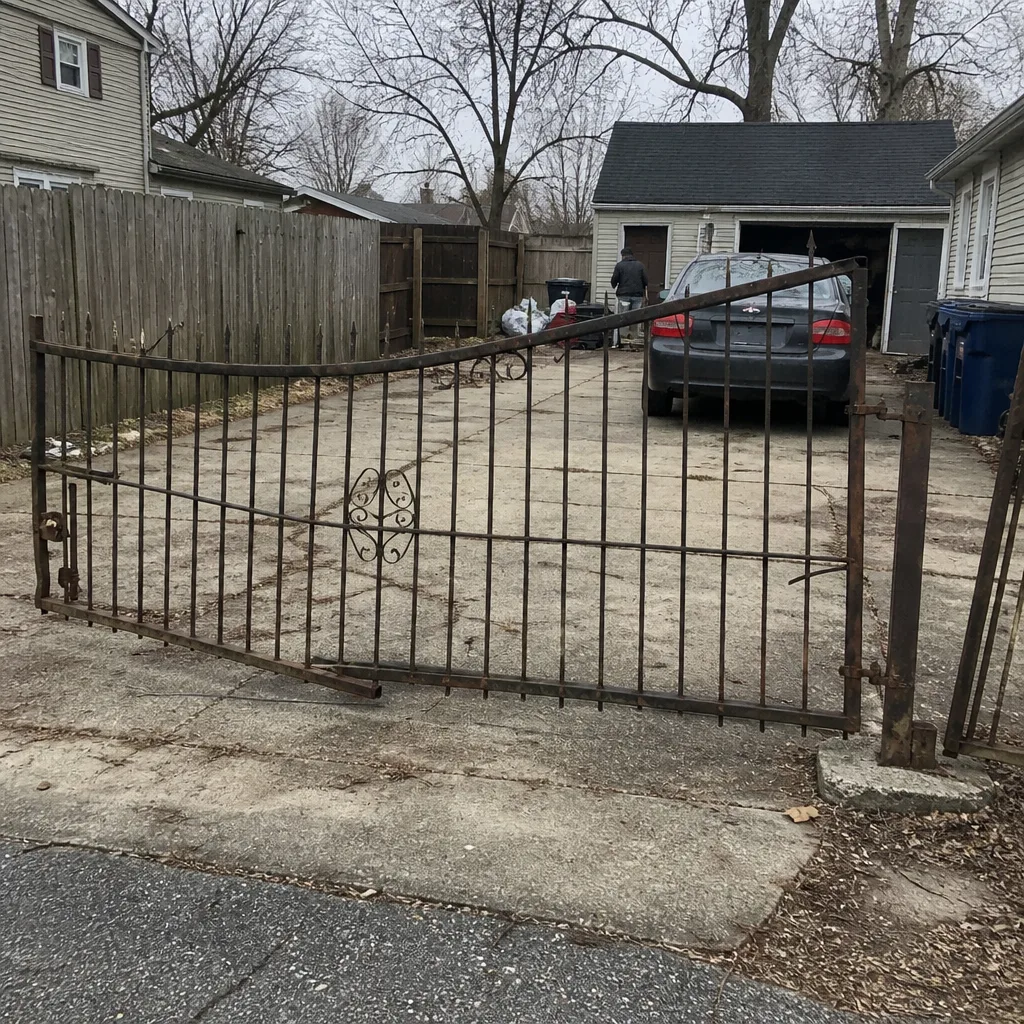 Before
 After
 Before
 After
 Before
 After
When to Call a Professional
Call a professional when the manual release won’t move with normal pressure, when a gate won’t latch after a power failure and you can’t find the misalignment, when the operator board or error display points to a component fault, when a vehicle has struck the gate, or when you’ve load-tested the backup and it fails. Those are the situations where the next step is a technician, not a workaround. Electric gate repair is a discipline that narrows down from motor to control board – it’s not a job for a generalist who happens to own wrenches. And if you have a legacy or obscure operator that no one else will service, we work on nine major brands, so there’s a good chance your system is in that list. Gate Repair Newport News offers free estimates in Newport News. Call (866) 620-2654. We answer 24/7. Fast dispatch from 7am to 7pm, Sunday through Friday.
Frequently Asked Questions
The estimate is free, and the price per job is set by the written estimate before any work starts. We don’t quote a flat number sight-unseen because gate repairs vary widely by operator model and fault type – a battery replacement is a different job from a control-board fault. You’ll get a written price to approve before we begin. Call (866) 620-2654 for an exact quote – estimates are free.
In most cases yes – same-day service is available, with fast dispatch from 7am to 7pm, Sunday through Friday. We answer calls 24/7, and a call outside dispatch hours gets booked into the next opening. If your gate is trapping a vehicle or blocking access, tell us that on the call so we can prioritize it.
The LA400 releases with a key and lever on the operator housing – insert the key, turn it to disengage the gear, and swing the gate arm by hand. The arm is heavy, and the release lever has a fixed travel stop, so don’t force it past that point. If the lever won’t move freely, stop and call a technician rather than forcing it. Call (866) 620-2654 if you’re not sure.
Because voltage testing only shows the resting charge, not whether the battery can deliver current under motor load. Cycle the gate twice on backup power – if it slows or stalls on the second or third cycle, the battery needs replacement. Load testing is the only test that matters for a gate backup. Call (866) 620-2654 if your backup won’t hold up.
Use your physical backup first – a keypad, remote, or wall button that doesn’t depend on internet. DoorKing, Aiphone, and LiftMaster MyQ each have physical entry methods that usually keep working when connectivity drops. If the physical keypad also fails, that’s a system fault, not an internet problem. Call (866) 620-2654 to book an access-control diagnosis.
Have your operator brand and model, any error code on the display, what happened right before the failure, your gate type (swing, slide, or barrier arm), and whether the gate is trapping a vehicle. Photographing your operator plate in advance makes this much faster. The right details on the first call get the right parts on the first truck. Call (866) 620-2654 when you’re ready.
The Bottom Line
Gate emergencies are preparation problems, not gate problems. The homeowner who can release the gate, load-test the backup, and read the operator plate stands in front of a 20-minute fix. The homeowner who can’t stands in front of a multi-hour service call. In Newport News, with the grid doing what it does, the difference gets tested more often than most people expect. This week: find your release key, photograph your operator plate, and load-test your battery. If any of those steps turns up a problem – or you’d rather have a technician make the final call – we’re a phone call away. For a full list of what we handle, see our Gate Repair Newport News page.
Call (866) 620-2654 for a free estimate. We answer 24/7. Fast dispatch from 7am to 7pm, Sunday through Friday. Our technicians have up to 14 years of experience, and we work on LiftMaster, FAAC, BFT, Linear, Viking, Ghost Controls, DoorKing, Elite, and Mighty Mule – from motor to control board, on swing, slide, and barrier-arm gates across Newport News.
Written by the team at Gate Repair Newport News.